Published 27/05/2025 – est. 4 minutes to read.
Passwords are integral of modern security
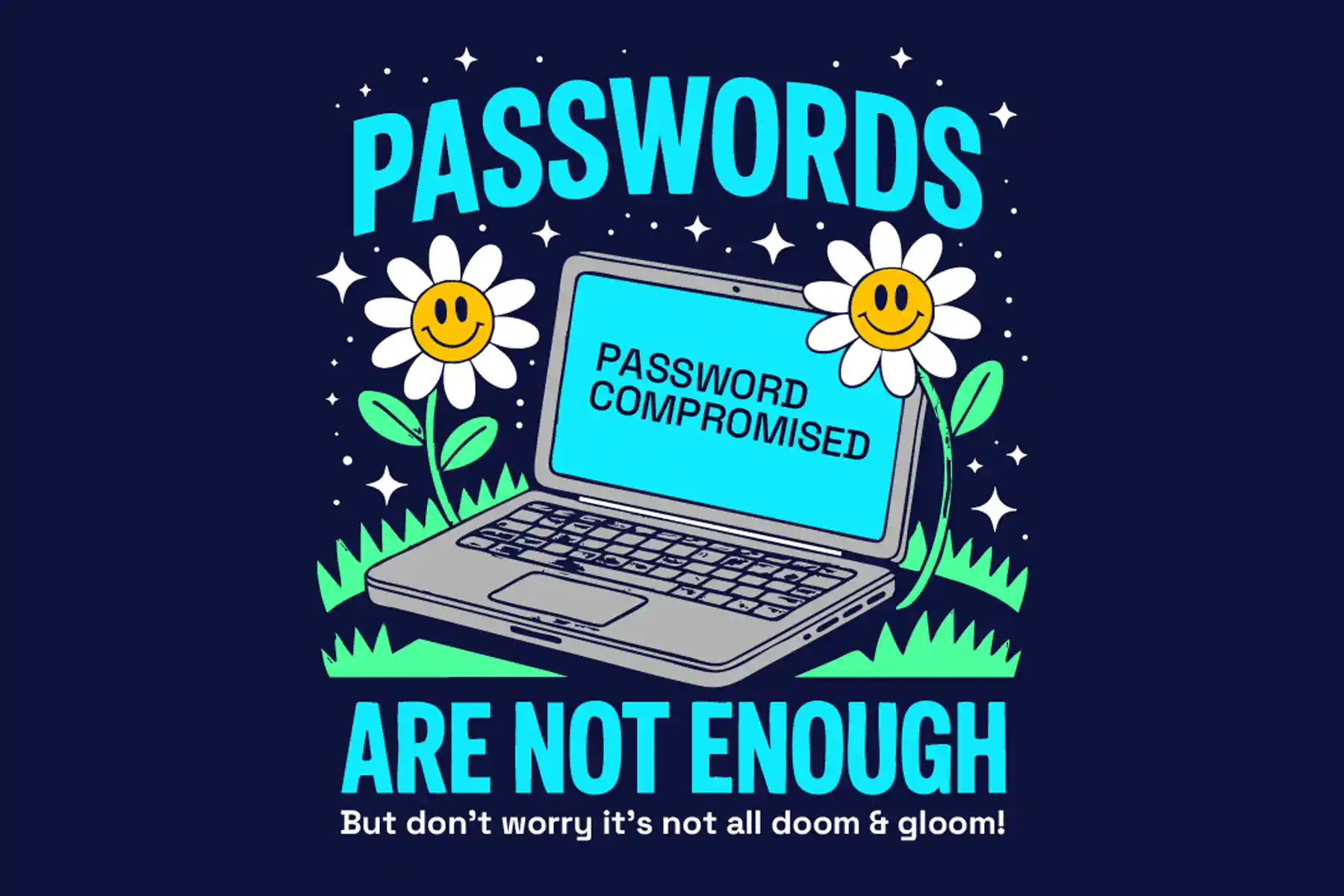
Used in all areas of everyday life, from shopping for groceries online to system administrators for the most critical national infrastructure that powers electricity, water and much more. For most people, a password is the first line of defence against potential threat actors seeking to access their data and identity. Passwords, however, are not secure enough on their own to protect against threat actors.
Recent studies measuring the time it takes an attacker to brute-force a password (continuously attempting account logins until successful) show that a 6-character password using a mix of uppercase and lowercase letters, numbers, and special characters could take an attacker 2 weeks to crack. This can decrease significantly if the password uses dictionary words or has been used in a successful attack elsewhere.
So how can we protect accounts?
- Use Unique Passwords: Avoid reusing passwords across different sites. This way, if one account is compromised, others remain secure.
- Create Complex Passwords: Combine uppercase and lowercase letters, numbers, and special characters. Aim for a minimum of 12 characters.
- Enable Two-Factor Authentication (2FA): Adding an extra layer of security, 2FA requires a second form of verification, such as a code sent to your phone, making unauthorised access more difficult.
- Use single sign-on systems: Single sign-on (SSO) allows staff to use a single set of credentials to automatically access multiple applications and services. So, a user might log in to their work machine and have access to everything they need without having to enter another set of credentials.
- Utilise Password Managers: These tools generate and securely store complex passwords, reducing the risk of human error and simplifying password management.
- Change all default passwords: Default passwords are often reused across different applications and services.
- Don’t enforce regular password expiry: Regular password changes harm rather than improve security. Many systems will force users to change their password at regular intervals, typically every 30, 60 or 90 days. This imposes burdens on the user, and there are costs associated with recovering accounts.
Forcing password expiry carries no real benefits because:
- The user is likely to choose new passwords that are only minor variations of their old ones.
- Stolen passwords are generally exploited immediately.
- Resetting the password gives you no information about whether a compromise has occurred.
- An attacker with access to the account will likely also receive the password reset request.
- If compromised via insecure storage, the attacker will be able to find the new password in the same place.
Conclusion
While passwords remain a fundamental aspect of security, their effectiveness is slowly diminishing due to the lack of security awareness and evolving cyber threats. The alarming frequency of data breaches, with over 19 billion passwords compromised in recent incidents(Source: Forbes), highlights the need for strong password security awareness.
To book your Security Awareness Training, conduct a Cloud Security audit, or discuss our services, connect directly with our technical team:
Telephone: 0161 706 0244
Email: info@cybersecurityspecialists.co.uk
Related Pages